View a title's details – new look (Library Manager)
When you select an entry in the Search Results list, its Title Details page opens. Here you can view information about the book and links to related resources.
|
Note: There are two versions of the Title Details page. This Help topic covers the new version. You can switch between the new and previous versions with the toggle at the top of the page.
|
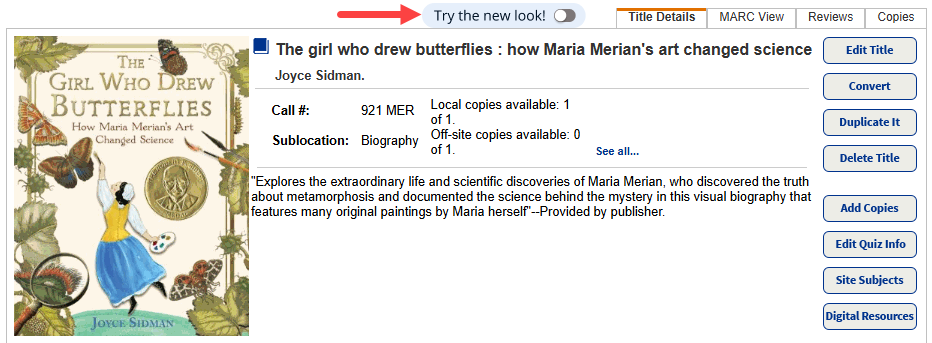
From a title's details page, you can:
- See an overview and description.
- Perform various actions related to the title.
- View information about copies, including availability.
- View any Resource Lists the title is in, add it to one, or remove it from one.
- Explore related resources.
- See additional information from the title record.
- Review publication information.
- Access reading program quiz information.
- See awards a title has won or been nominated for.
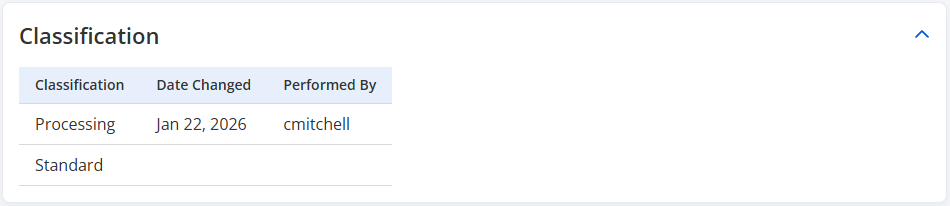
- Review any classification changes applied to the title.
|
Notes:
|
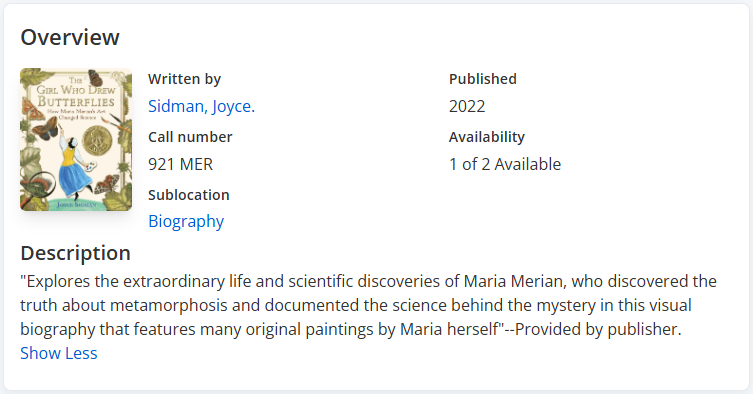
Overview and Description
The top section of the page includes information, including author, call number, sublocation, publication date, series, copy availability, and a description.
If your school subscribes to and enabled TitlePeek™, a cover image appears.
Actions
From the Actions menu on the right side of the page, you can access the following (with the appropriate access level permissions):
- Edit the title.
- Add copies.
- Place a hold.
- Access MARC view.
- View the title in Destiny Discover.
- Delete the title.
- Update the cover image.
- Duplicate the title.
- Edit quiz info.
- Edit site subjects.
- Edit digital resources.
- Add to wish list.
- Recommend.
- Convert to RDA format.
Copies
From the Copies section of the page, see the copies owned by your school or district, and their barcode, status, sublocation, and call number.
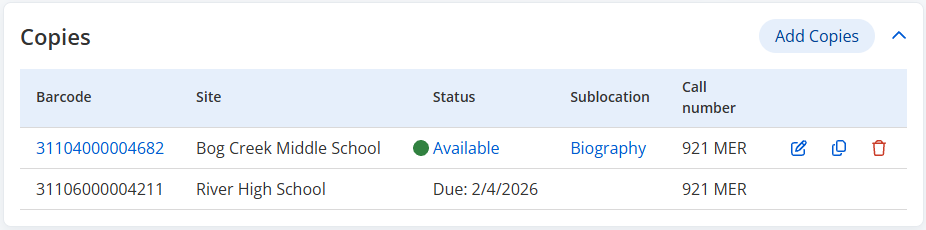
You can also add, edit, duplicate, or delete copies.
Resource Lists
In the Resource Lists section, view any Resource Lists the title is a part of, or add it to or remove it from an existing list.
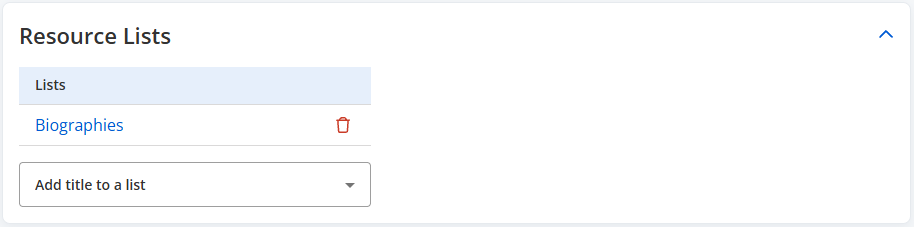
To add the title to an existing list, from the Add title to a list drop-down, select the appropriate list.
To remove the title from a list, click  .
.
Explore
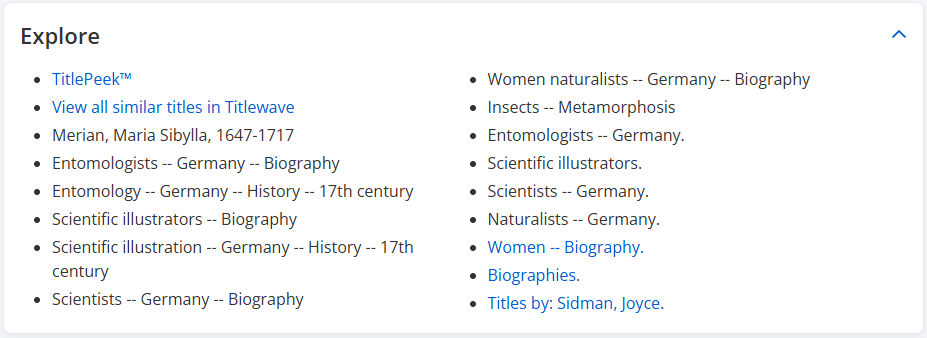
In the Explore section, find links to related resources, which can include:
- TitlePeek information, such as reviews, excerpts, author's notes, and more (requires a subscription)
- Similar titles in Titlewave
- WebPath Express resources (requires a subscription)
- Titles in your school or district related by subject, author, series, and more
Additional Information
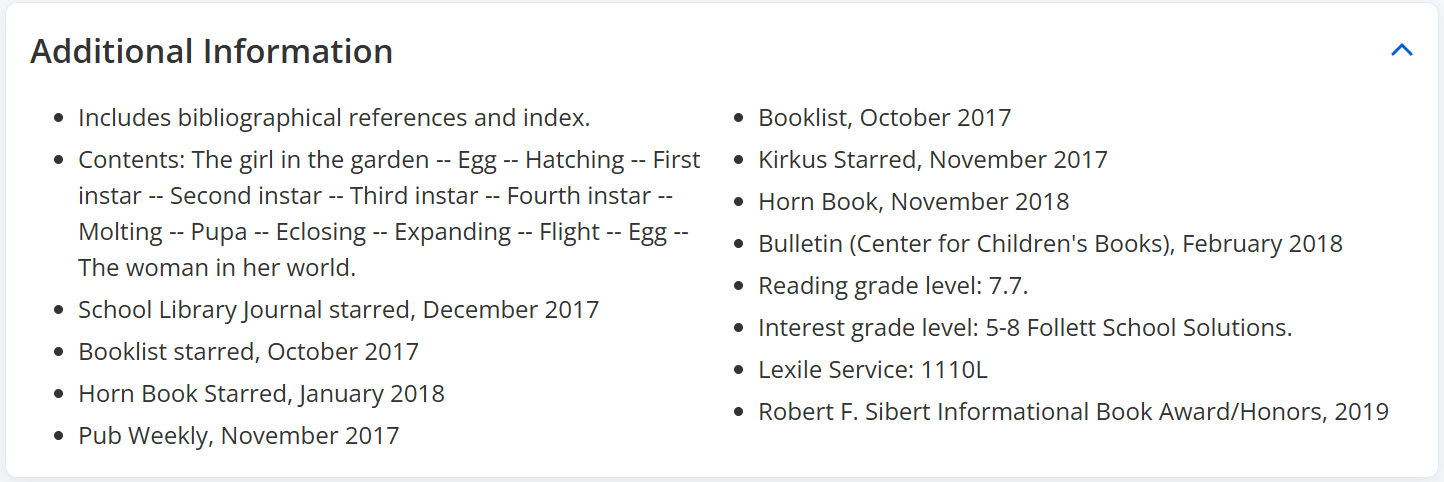
The Additional Information section lists other information from the title record. You can see which publications have reviewed the book, any awards it received, and reading and interest grade levels. If your library uses Fountas & Pinnell or Lexile, you can find the measure or code in this section.
Publication
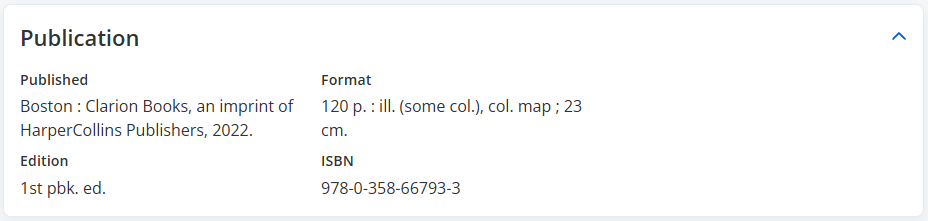
In this section, see publication information, including the publisher, edition, format, and standard numbers that identify the title.
|
Note: On the new Title Details page, ISBNs are normalized to their 13-digit versions. |
Quiz Info
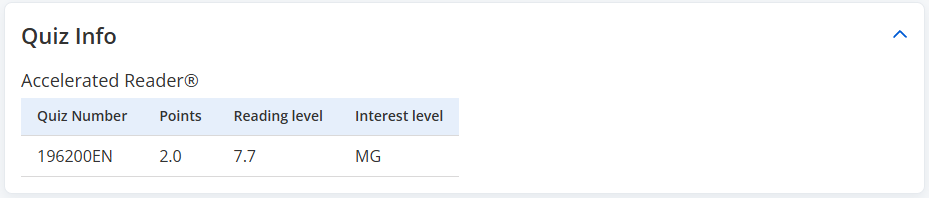
If your library participates in the Accelerated Reader™ or Reading Counts!® programs, the quiz information appears in the Quiz Info section.
Awards
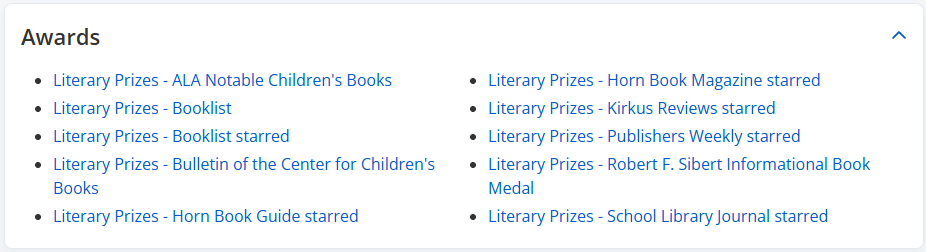
The Awards section lists awards the title has won, or for which it has been nominated. Click an award link to access other winners or nominees of that award.
Classification
In this section, see classification changes for this title, including the classification applied, date changed, and who it was performed by.